


LangGraph agent development services
LangGraph is a framework from the LangChain team for building AI agents as explicit graphs of steps. Each step, branch and retry is visible in code, which is what makes multi-step agents debuggable and safe to put in front of users.
LangGraph, explained simply
LangGraph is a programming framework for building AI agents as a clear map of steps, so every decision, retry and approval the agent makes is defined in code.
An AI agent is a language model given a goal and some tools, such as ’search orders’ or ’draft a reply’, that decides which step to take next, looks at the result and carries on until the job is done. Left loose, that can wander. LangGraph, from the team behind LangChain, makes the agent follow a flowchart: boxes for steps, arrows for the allowed moves between them. The model chooses within the chart, never outside it.
A developer defines the graph in code. Each node is a step: call the model, run a tool, check a result, ask a person. Each edge says where to go next, sometimes depending on what just happened. As the agent runs, its state, meaning everything it knows so far, is saved after every step. That lets it retry a failed step, pause for someone’s approval and resume hours later, or survive a server restart without starting again.
LangGraph pays off in AI workflow automation where a task genuinely branches and loops: several tools, checks between steps, approvals before anything that costs money or changes data. Many AI product integrations do not need it; a single model call or a short fixed sequence in plain code is cheaper to build and maintain. Where it fits, the benefit is control and visibility, since every step can be traced and tested. It works with Claude, GPT, Gemini and open models, so it does not tie you to one provider.
Words you’ll hear
- Agent
- An AI system that works towards a goal by choosing steps and calling tools, rather than giving a single reply.
- Graph
- A map of steps (nodes) joined by allowed moves (edges). In LangGraph it defines every path the agent can take.
- State
- Everything the agent has gathered so far. Saving it lets work pause, retry or resume.
- Human in the loop
- A point where the agent stops and waits for a person to approve or correct its work before continuing.
Where we use LangGraph
LangGraph is part of the stack on this service. Each page covers how we work, what you get and what it costs to start.
LangGraph in practice
LangGraph describes an agent as a graph: nodes that do work, edges that decide what happens next, and a state object passed between them. The point is that the agent’s possible behaviour is written down in code. The model still decides which path to take, but only among the paths you have defined, which is what makes it possible to test, trace and explain what it did.
Its checkpointing is the other half. State is saved after each step, so an agent can stop for a person’s approval, survive a restart, or be replayed from a given point when something goes wrong. That is the difference between a demo agent and one that can handle a refund, a booking or a data change in front of real users.
What we build with LangGraph
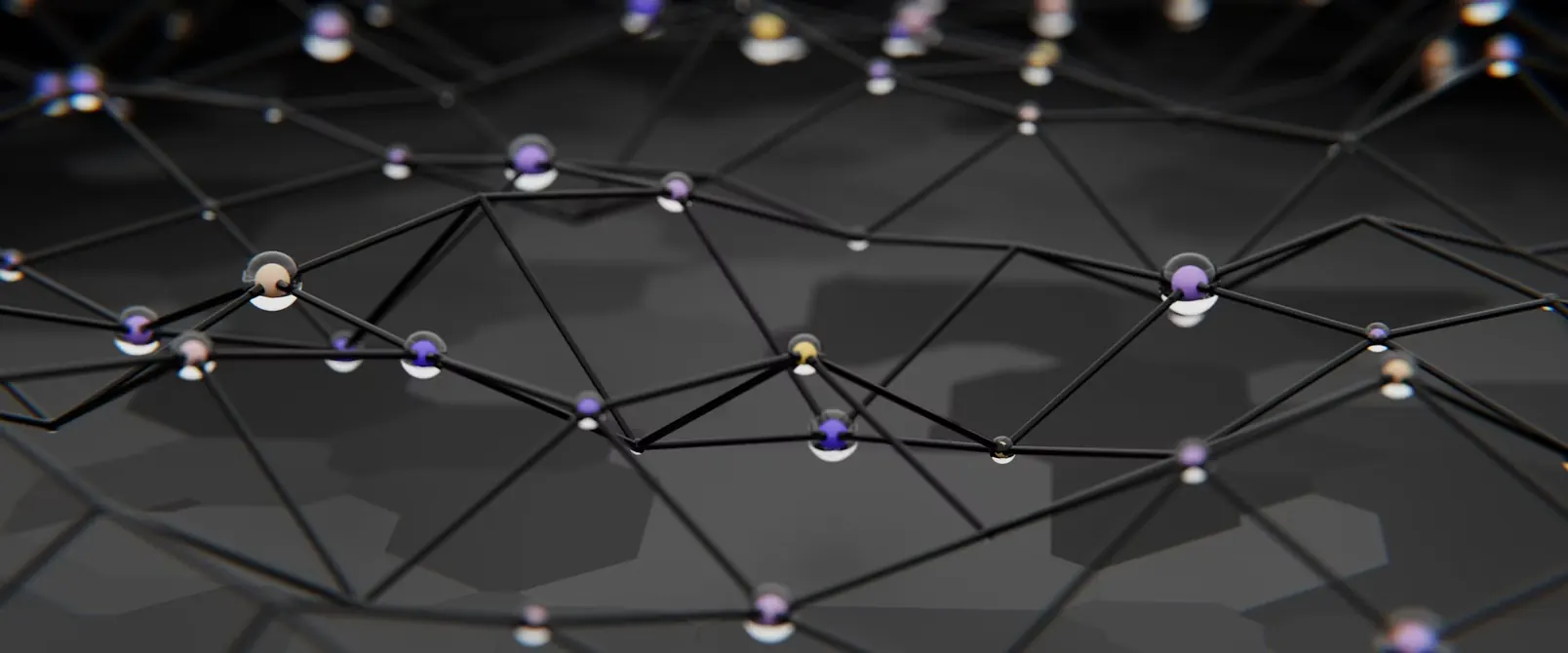
Workflows where the model plans, calls tools, checks results and decides the next step within limits you set.
Agents that pause for approval before an action that costs money or changes data, then resume.
Tasks that span many steps or hours, with their state saved so they survive restarts.
Is LangGraph right for you?
Ask usA good fit when
- Flows that branch, loop and retry depending on what the model finds
- Steps that must pause for a person’s approval and resume later
- Long-running tasks whose progress must survive restarts
- Several specialised agents that hand work to each other
Probably not when
- A single model call or a short fixed sequence — plain code is clearer
- A team that has not yet built a simple model feature in production
- A use case with no clear tools, no clear goal and no way to judge success
- Adopting it because agents are fashionable rather than because the flow needs a graph
What we run alongside LangGraph
The rest of the setup, and why each piece is there. We keep this list short on purpose — every dependency is something someone has to maintain.
- LangSmith
- Tracing every step and tool call, which is how agent behaviour gets debugged.
- PostgreSQL checkpointer
- State saved in a database you already run, so pauses and restarts are durable.
- Model Context Protocol
- Tools exposed once through MCP and used by the agent through adapters.
- Pydantic or Zod
- Typed state and validated tool inputs, so a bad model output is caught at the edge.
- Your evaluation set
- Recorded scenarios replayed on every change, since agents regress in ways one-off testing misses.
Why LangGraph
Start your projectExplicit control flow
The agent’s possible paths are defined in code, not left to the model.
State and checkpoints
Progress is saved between steps, which enables retries, pauses and approvals.
Inspectable
Each step can be traced and tested, which is what a production agent needs.
What we get called in to fix
Get a second opinionAgents that loop
Graphs with no exit condition, retrying until they hit the recursion limit and the cost of every call. Explicit stopping rules fix it.
Everything in the state
State objects that accumulate every message and tool result until each step is slow and expensive. Keeping only what later steps need fixes it.
An agent where a function would do
A graph wrapped around what is really one model call and two API requests. Removing it usually makes the feature faster and easier to trust.
LangGraph or the alternative
The comparisons we are actually asked to make, answered the way we would answer them on a call.
Plain code for fixed sequences. LangGraph when the flow branches, loops, pauses for approval or must survive restarts.
Chains suit linear pipelines. LangGraph is the LangChain team’s answer for agents, where control flow and state matter.
Provider SDKs are simpler to start with and lean towards one model family. LangGraph is more explicit and stays provider-neutral.
LangGraph works well with:
When I’ve seen Keyra in action, she has felt exactly like the project I’ve pictured.













Planning a project with LangGraph? Let’s talk.
Tell us the short version
This could be the first step towards a new and successful collaboration. A one-line idea and a finished spec are both fine — tell us the problem, the deadline you’re working to and what’s in your way.
We reply within one working day.
- A free intro call, no obligation
- A rough budget and timeline within 48 hours
- A free second opinion on your existing code
Rather talk it through first?

- Sales & Consulting:
- Cluj-Napoca & London
- Delivery Center:
- Cluj-Napoca
Explore our technologies, services and work
Questions about LangGraph Agent Development Services | Inventiff Romania
Often not. Many features are a single model call or a short fixed chain in plain code. We reach for LangGraph when the flow genuinely branches and loops.
No. It works with Claude, GPT, Gemini and open models.
By limiting the tools it can call, validating every action in code, and requiring approval for anything irreversible.
No. LangGraph has Python and JavaScript versions, so it can sit in a TypeScript backend as well as a Python one.
No. LangGraph can call models and tools directly; LangChain’s integrations are optional and we use them only where they save work.